
Zendesk Knowledge Base (Guide) Pricing 2026: Plans, Limits, and What Knowledge Copilot Costs
What a Zendesk help center costs in 2026: which plans include one, how many help centers and languages you get, what the AI add-ons cost, and a worked example for a 10-agent team.
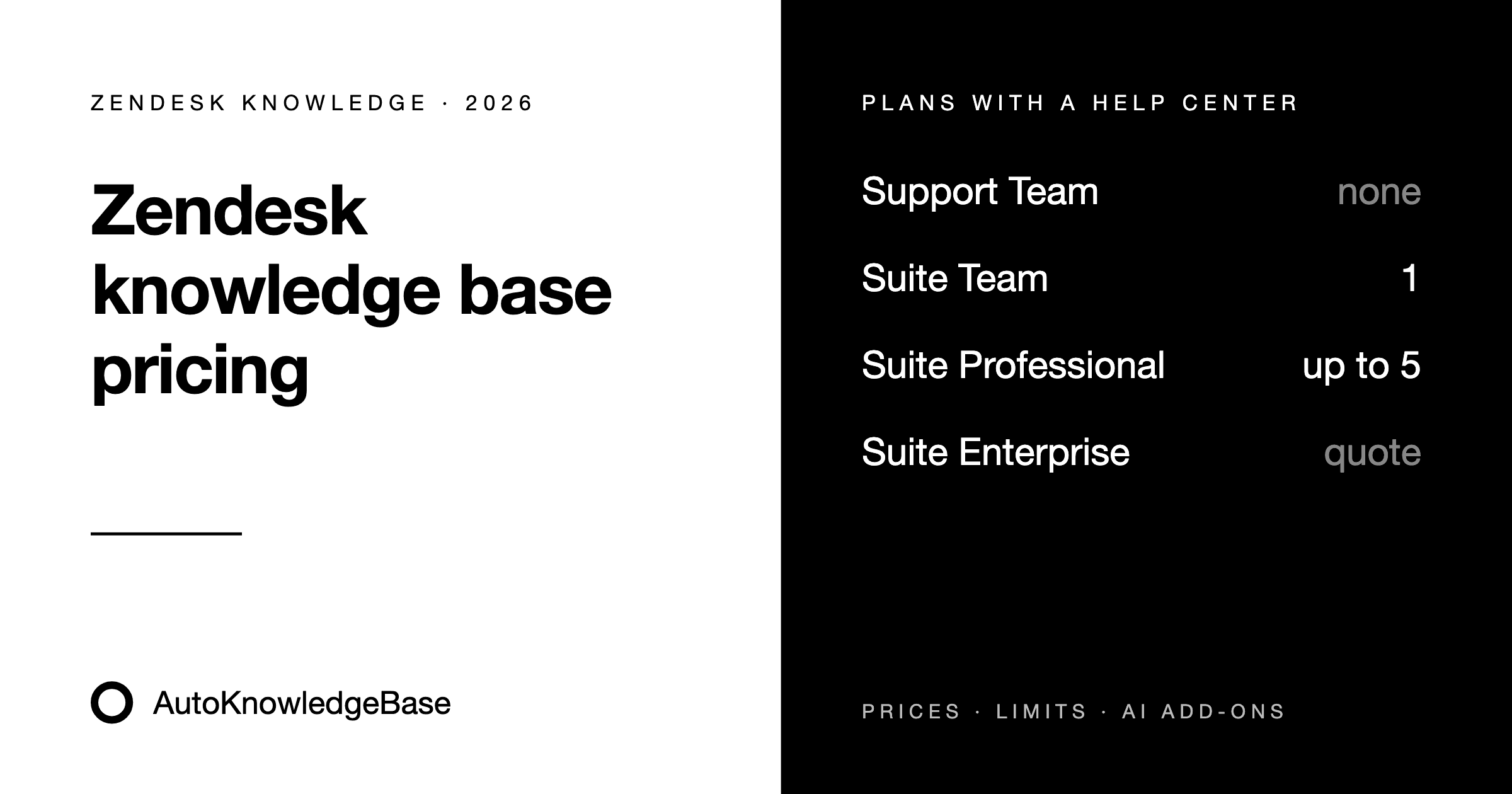
Zendesk prices per agent, not per help center. So the real question isn't "what does the knowledge base cost," but "which plan gives us the help center features we need, and how many agents do we pay that for."
This guide covers the plans that include a help center, what each one gets you, what the AI add-ons cost, and a worked example for a 10-agent team.
Prices and features were checked on November 21, 2026 on Zendesk's pricing page and in Zendesk's help center. Prices are per agent per month in US dollars. Zendesk changes plans and AI pricing often, so confirm the current numbers before you buy.
Guide is now called Knowledge
If you search Zendesk's documentation for "Guide," you'll increasingly land on pages that say Knowledge instead. Zendesk's plan article is now titled About the Zendesk Knowledge plan types, and the admin area is called Knowledge admin. It's the same product: the help center, articles, and the tools to manage them. This post uses both names.
Which Zendesk plans include a help center
| Plan | Annual billing | Monthly billing | Help center |
|---|---|---|---|
| Support Team | $19 | $25 | Not included |
| Suite Team | $55 | $69 | 1 help center, 1 language |
| Suite Professional | $115 | $149 | Up to 5 help centers, 40+ languages |
| Suite Enterprise | Contact sales | Contact sales | Knowledge Enterprise |
Per agent per month. Zendesk advertises 20% off for annual billing.
A few things stand out:
- Support Team is not a knowledge base plan. It's the cheapest way into Zendesk, but it has no help center. If customers need to find answers themselves, you start at Suite Team.
- Suite Team covers one brand in one language. It includes one help center with one default language, content for all registered users, and Zendesk's generative Knowledge Builder.
- Suite Professional is where multi-brand and multilingual start. You get up to five help centers (for different brands, products or regions), content in more than 40 languages, custom user segments to restrict who sees which articles, and the customer portal.
- Suite Enterprise includes Knowledge Enterprise, which Zendesk describes as adding "advanced knowledge management and collaboration." Pricing is by quote.
Buying Knowledge without Suite
If you're on a standalone Zendesk Support plan, you can add Knowledge Professional or Knowledge Enterprise to it. According to Zendesk's plan article, both are "available as a paid plan with any Zendesk Support plan." The pricing page doesn't list a price for them, so you'll need a quote from Zendesk sales.
Older accounts may still be on Guide Lite Legacy or Guide Legacy plans. Guide Lite was "no longer available as a Guide plan with Support as of February 1, 2021." If you're on one of these, your features and price depend on your contract, not the current pricing page.
What the AI features cost
This is where Zendesk pricing gets harder to predict. There are three separate pieces.
1. AI agents (included, billed per resolution). AI agents are included in every Suite and Support plan. Each plan includes a small number of automated resolutions per agent per month (5 on Support Team and Suite Team, 10 on Suite Professional). Beyond that, each automated resolution costs $1.50 if you commit in advance or $2.00 pay-as-you-go. Zendesk only charges when the AI agent resolves the request without escalating to a person. AI agents answer from your help center, so the quality of your articles directly affects how many conversations they resolve.
2. The Copilot add-on ($50 per agent per month, billed annually). Copilot is Zendesk's agent assistant: suggested replies, ticket summaries, next-step suggestions. Zendesk says it "can be added to Professional and higher plan levels," so Suite Team can't buy it. Since March 2026, Suite and Support Professional plans and above get capped Copilot writing tools at no extra cost (five uses per agent per month), as announced in What's new in Zendesk: March 2026. 3. Knowledge Copilot (no separate list price). Knowledge Copilot is the AI tool aimed at the knowledge base itself. It shows coverage, freshness and AI readability for your help center, and recommends articles to create, update or translate based on your tickets. It launched as an early access program in May 2026.
As of November 2026, its help article lists it for Suite Professional, Enterprise and Enterprise Plus, and for Support Professional and Enterprise. It's no longer on Zendesk's list of current early access programs. Zendesk hasn't published a separate price. One part already requires the paid add-on: "To see recommendations about procedures, you must have the Copilot add-on." Zendesk's EAP terms also say a feature leaving early access "may require the purchase of an Add-on," so check your contract before you depend on it.
We compare it with our own tool in detail in AutoKnowledgeBase vs Zendesk Knowledge Copilot.
Worked example: a 10-agent team
Here's what a 10-agent team pays per year at list price with annual billing, before taxes, discounts or extra automated resolutions:
| Setup | Calculation | Per year |
|---|---|---|
| Suite Team | 10 × $55 × 12 | $6,600 |
| Suite Professional | 10 × $115 × 12 | $13,800 |
| Suite Professional, monthly billing | 10 × $149 × 12 | $17,880 |
| Suite Professional + Copilot add-on | 10 × ($115 + $50) × 12 | $19,800 |
Two things drive the number more than anything else:
- Agent count. You pay for every agent, including people who only answer tickets and never touch the help center.
- Whether you need a second brand or language. That's the jump from Suite Team to Suite Professional, which roughly doubles the cost per agent.
What these prices don't include: keeping articles current
Every plan above gives you the tools to write and publish articles. None of them writes or updates articles automatically. Someone still has to notice that an article is missing or out of date, find the ticket that shows it, and write the change. On a busy team, that's the job that slips. Your agents keep answering the same questions in tickets, and your AI agent answers from stale content.
Your options, from cheapest to most automated:
- Do it by hand with Zendesk's built-in tools. Depending on your plan, that means tools like article verification reminders, the Knowledge Capture app and Explore reports. They help you stay organized but don't write anything.
- Use Knowledge Copilot if you're on Suite Professional or above. It recommends what to create or update based on ticket trends, and can draft articles.
- Use a dedicated tool. AutoKnowledgeBase (that's us) checks every solved ticket against your help center and drafts a new article or an update in Zendesk when something is missing or out of date. Your team approves each change. It's priced by tickets analyzed, not per agent: plans start at $79 per month for 1,500 solved tickets, with a 30-day free trial.
If you want the full comparison of these approaches, see How to Automatically Update Help Center Articles in Zendesk.
What's next for Zendesk's knowledge pricing
Zendesk is putting more of its AI work into the knowledge base. In fall 2026 it announced that the team behind Ariglad, a startup that updates knowledge bases from support tickets, was joining Zendesk, with a license to its technology. Zendesk describes the goal as moving "from proactive recommendations to autonomous action." There are no dates or prices yet. If you're signing a multi-year contract, ask your Zendesk rep how future knowledge features will be packaged.
Bottom line
- Need a help center for one brand in one language? Suite Team at $55 per agent per month is the entry point.
- Need several brands, languages or restricted content? Suite Professional at $115.
- Already on Support only? Ask Zendesk sales for a Knowledge Professional quote and compare it with moving to Suite.
- Budget for upkeep, not just licenses. The plan gives you a help center. Keeping it accurate takes either someone's time or a tool that does the first draft for you.
Frequently asked questions
How much does the Zendesk knowledge base cost?
There is no separate price for most teams. The help center comes with Zendesk Suite: Suite Team costs $55 per agent per month and includes one help center, and Suite Professional costs $115 per agent per month and includes up to five. Both prices are for annual billing. Support Team ($19) does not include a help center.
Can I buy Zendesk Guide (Knowledge) on its own?
Not without Zendesk Support. Knowledge Professional and Knowledge Enterprise can be added to any Zendesk Support plan, but Zendesk's pricing page does not list a price for them, so you have to ask Zendesk sales. Most new customers get the help center through a Suite plan instead.
Is there a free Zendesk knowledge base plan?
No. Zendesk has no free plan that includes a help center. You can try Suite Professional, including the help center, free for 14 days.
Does Knowledge Copilot cost extra?
Zendesk doesn't publish a separate price for it. Its help article lists it for Suite Professional, Enterprise and Enterprise Plus and for Support Professional and Enterprise. Procedure features need the Copilot add-on, which costs $50 per agent per month billed annually.
What does Zendesk cost in euros?
Zendesk's German site lists the same numbers in euros: Support Team €19, Suite Team €55 and Suite Professional €115 per agent per month with annual billing, and €25, €69 and €149 with monthly billing. The Copilot add-on is €50 per agent per month.
Related articles
How to Automatically Update Help Center Articles in Zendesk (2026)
Four ways to keep Zendesk help center articles up to date from solved tickets: Zendesk's own tools, Knowledge Copilot, Claude or ChatGPT, and AutoKnowledgeBase. What each one automates, and which fits your team.
GuideWhat Is an Automated Knowledge Base? How AI Keeps Help Center Articles Current
An automated knowledge base uses AI to turn solved support tickets into new articles and updates. How it works, what it can and can't do, and how to keep a person in control.
GuideZendesk Knowledge Base Automation: What You Can Automate in Guide, and Where AI Helps
A practical guide to automating your Zendesk knowledge base: suggesting articles, keeping them verified, finding gaps, and where Zendesk's built-in tools stop.