Your Zendesk Knowledge Base,
Always Up to Date
AutoKnowledgeBase auto-updates your help center articles from solved tickets. It drafts new articles and updates to existing ones, so customers can self-serve and your AI gives accurate answers. You review and approve every change before it goes live.
30-day free trial. No credit card required.
How do I trigger AKB on specific ticket tags?
Configuring AKB trigger conditions using tags
Waiting for your approvalSee AutoKnowledgeBase in action
A quick walkthrough of how solved tickets become review-ready knowledge base articles.
Your team keeps answering the same questions
The answers live in your agents’ replies, not in your help center. So customers can’t find them, the same questions come back as new tickets, and updating articles is the task that always slips.
A customer asks a question
One your team has answered many times before.
An agent answers it again, by hand
The answer goes into the ticket reply and disappears.
The help center stays out of date
No article is written, so self-service and AI bots can't help.
Turn solved tickets into knowledge customers can find
An automated knowledge base for Zendesk: it reads your real support conversations and keeps your help center accurate, without the manual work.
Writes the articles for you
New article drafts
When a solved ticket covers something your help center doesn’t, it drafts a new article in the best-fitting section of Zendesk Guide.
Updates, not duplicates
When an existing article is outdated, it drafts an update to that article instead of writing a second one.
Section templates
It learns the structure of each section from your existing articles and follows it. You can edit any template, and custom ones are never overwritten.
Starter sections
Starting from an empty Guide? It sets up a few default sections so new drafts have somewhere to go.
Knows what’s worth writing
Skips one-off tickets
Account-specific or one-time issues are filtered out, so you only see drafts that would help other customers.
Create, update or already covered
Each ticket is matched against your synced help center. You get a clear decision with its confidence and the reason behind it.
Fits into Zendesk
One-click setup
Sign in with Zendesk and the webhook and trigger it needs are created for you. No engineering work.
Ticket tags for Explore
Every analyzed ticket is tagged with its outcome, like akb_article_created or akb_already_covered, so you can report on it.
Internal notes on tickets
Optionally, a private note on the ticket tells your agents what was decided and links to the draft.
From solved ticket to published article
Connect Zendesk once. Your help center stays current from there.
Connect Zendesk
One-click install from the Zendesk Marketplace. No engineering, no migration. It starts analyzing your solved tickets right away.
AutoKnowledgeBase analyzes each ticket
It checks whether your help center already covers the issue, then drafts a new article or updates an existing one. Tickets already covered are marked no action needed, so you're not flooded with noise.
You review and publish
Drafts land in Zendesk Guide. You see exactly what will change, then edit, approve, or skip. Nothing is published until you say so.
See every decision. Approve every change.
You always know what AutoKnowledgeBase decided and why, and nothing reaches your help center until you say so.
Why it made each decision
Every analyzed ticket gets a clear outcome: create, update, or skip. You see the confidence, the reasoning, the closest matching articles in your help center, and the exact change it drafted.
12 new · 19 updates
filtered before processing
no KB action needed
Ticket analysis #4821
Downloading your invoices
Downloading your invoices
Updating existing article "Downloading your invoices"
Go to Billing and open the Invoices tab.
Click Download next to the invoice you need.
− Invoices can only be downloaded one at a time.
+ To download several invoices, select them and click Export as ZIP.
+ Invoices from before 2024 are under Billing → Archive.
AI decision
The article covers single invoice downloads but says bulk export isn't possible. The agent's reply shows it is, and points to the archive for older invoices.
Knowledge base matches
Nothing goes live without you
Every article and update is a draft. You review the exact changes side by side, then decide what goes live.
Current article
Open Settings and go to Security.
Click Reset password.
Check your email for the reset link.
Suggested update
Open Settings and go to Security.
Click Reset password.
Check your email for the reset link.
+ If you don't see the email, check your spam folder.
+ Reset links expire after 24 hours — just request a new one.
Your agents see the outcome on the ticket
Optionally, AutoKnowledgeBase adds a private internal note explaining what it did, and tags each analyzed ticket so you can report on it in Zendesk Explore.
#12345 · Can't log in after changing my email
SolvedSupport agent
Your login email changed, so use the new address on the sign-in page and reset your password from there. That should get you back in.
Internal note · AutoKnowledgeBase
AutoKnowledgeBase reviewed this ticket.
The knowledge base already covers it — closest match: Resetting your password (87% similar). No action taken.
Also similar: Login troubleshooting (81% similar).
View in AutoKnowledgeBase
Your data stays protected
Built for support tickets, which are full of customer details.
Personal data removed first
Emails, phone numbers, card and bank numbers, addresses, names and other personal details are replaced with placeholders before any AI step.
Drafts only
New articles are created as drafts. Updates to a published article go into a separate draft, so your live article is never changed.
Connected with Zendesk sign-in
You connect through Zendesk’s own sign-in (OAuth). There are no API keys or passwords to hand over.
Read the details in our privacy policy.
Frequently asked questions
How do I automatically update help center articles in Zendesk?
Connect AutoKnowledgeBase to your Zendesk account. Each solved ticket is checked against your help center. When an article is missing or outdated, it drafts the new article or the update in Zendesk Guide, and you review and publish it.
Is this a self-updating knowledge base?
Almost, with a person in the loop. It keeps up with your solved tickets automatically, but every new article and update is a draft. Nothing is published until your team approves it.
How is it different from Zendesk Knowledge Copilot?
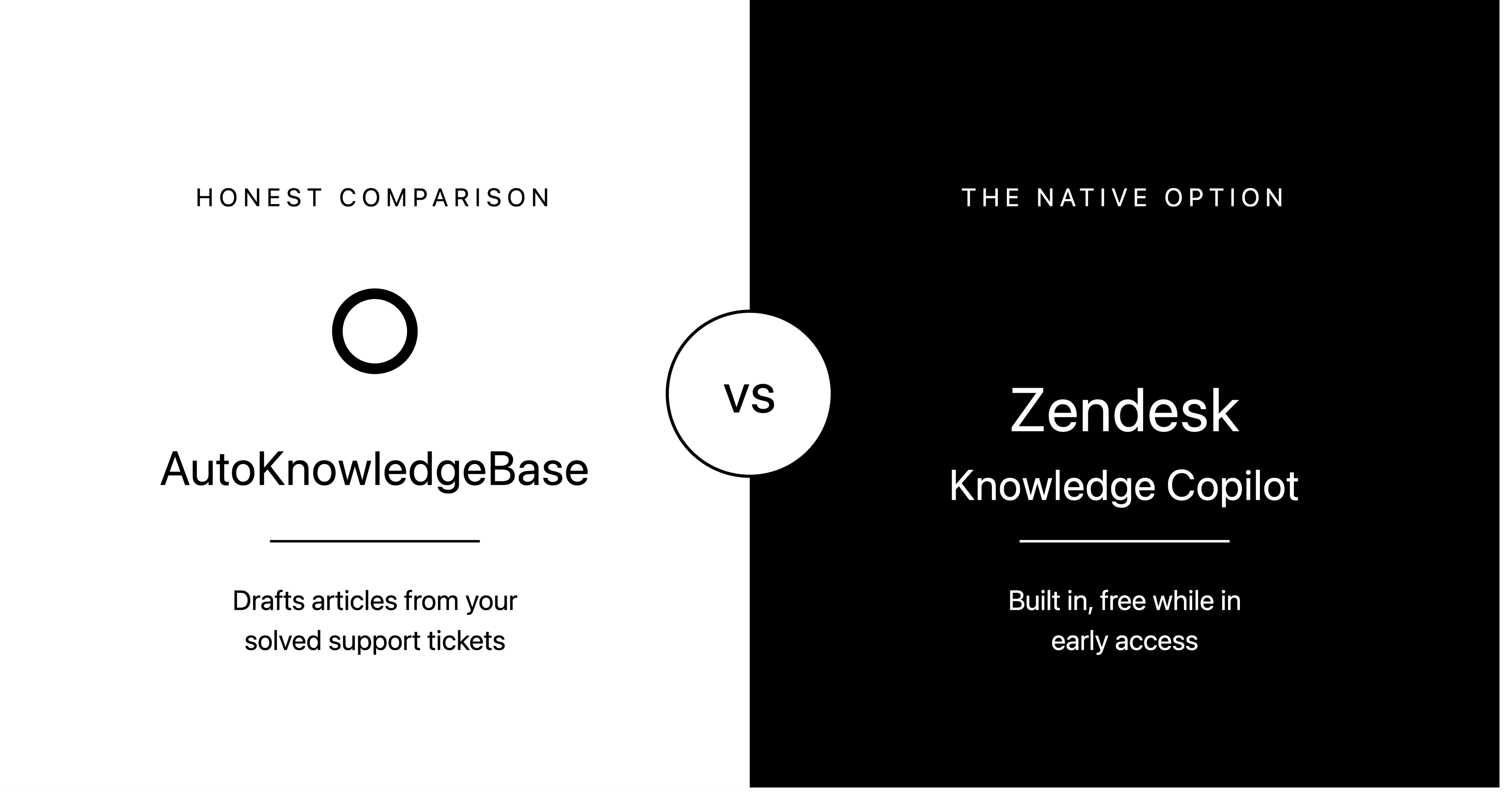
Knowledge Copilot is built into Zendesk and suggests articles to create or update based on recent ticket trends. AutoKnowledgeBase is a separate app that analyzes each solved ticket, decides whether to create, update or skip, and drafts the change for you to review. Our comparison post covers when each one fits.
Which helpdesks does AutoKnowledgeBase work with?
Zendesk only. It reads solved tickets from Zendesk Support and writes drafts to your Zendesk Guide help center.
Which languages are supported?
English only for now. It works with the English (en-us) articles in your help center.
Does it publish anything on its own?
No. New articles are created as drafts. Suggested updates to a published article go into a separate draft, so the live article is not changed. You decide what to publish in Zendesk Guide.
What counts as one credit?
One solved ticket analyzed uses one credit, whatever the outcome: a new draft, an update, already covered, or not worth documenting.
What happens when I run out of credits?
Tickets solved while you're out of credits are not analyzed and no drafts are created for them. Analysis continues when your credits renew at the start of your next billing period, or right away if you upgrade.
What happens to customer personal data?
Emails, phone numbers, card and bank numbers, street addresses, names and other personal details are replaced with placeholders such as [EMAIL] before any AI step. Ticket text is processed through the OpenAI API, which does not use API data to train its models.
How long does setup take?
A few minutes. You sign in with your Zendesk account, and AutoKnowledgeBase creates the webhook and trigger it needs automatically. No engineering work is required.
Tutorials & Resources
Learn best practices for knowledge base management and get the most out of AutoKnowledgeBase